.png)

In this article, you’ll find an overview of six tools that can serve as alternatives to OpenTable. You’ll learn what to look for when choosing the right solution, which features really matter, and how to find the system that best fits your business – from table planning and guest profiles to automated communication.
Contents:
- Key criteria for choosing an OpenTable alternative
- Restaurant software differences: what to look for in an OpenTable alternative
- Essential features of a restaurant reservation system
- 6 restaurant reservation systems compared
- #1 aleno
- #2 TheFork
- #3 Quandoo
- #4 ZenchefOS (formerly Formitable)
- #5 resmio
- #6 Gastronovi
- How to find the right OpenTable alternative
- Is aleno the right OpenTable alternative for you?
- OpenTable alternatives – frequently asked questions
Key criteria for choosing an OpenTable alternative
If you’re planning to introduce new software, you shouldn’t waste time on systems that don’t fit your business. A good restaurant solution reduces manual work, creates clarity in day-to-day operations, and helps you achieve your goals – for example, welcoming more guests or reducing empty tables. It’s not just about features on paper, but also about how well the system fits into your workflows.
A crucial point is access to guest data. You should be able to see at any time who has booked, how often they’ve visited, and what their preferences are. At the same time, all data must be stored securely and in compliance with GDPR. Only then can you build long-term relationships and stay on the safe side legally.
Tip: Also pay attention to automation! If table assignments, reminders, or cancellations are handled manually, you lose time – and potentially revenue. A system that automates these tasks takes pressure off your team and creates better visibility in daily operations.
These are the points you should check:
-
Is guest data collected automatically and stored in compliance with GDPR?
-
Can the software connect to existing systems such as POS, PMS, or newsletter tools?
-
Is there clear information on pricing structure, additional costs, and commissions?
-
Does the provider support onboarding with training and customer support?
-
Can tasks like confirmations, table assignment, and waitlists be automated?
Restaurant software differences: what to look for in an OpenTable alternative
Not every solution offers the same capabilities, and not every one will fit your business. Some tools focus purely on table reservations. Others include additional features such as guest analytics, automated communication, or marketing. It’s worth looking closely at how comprehensive the system is – and whether it can scale as you grow.
It also matters how open the software is from a technical standpoint. If you’re already using a POS system or you let guests book via your website, you’ll need an OpenTable alternative with stable integrations and an open API. Otherwise, you risk unnecessary manual work, process breaks, and duplicate data maintenance.
Another difference is the level of automation: some systems still require many manual steps, for instance when assigning tables or sending messages. Others work more intelligently, analyze occupancy, and even help you actively prevent no-shows.
Essential features of a restaurant reservation system
A good reservation system does more than manage bookings. It helps you maximize table utilization, keep track of guests, and reduce workload for your team. The key features work together – from online bookings to automated visit reminders.
A particularly important feature in an OpenTable alternative is automated table assignment. It saves planning time and ensures tables are used optimally. Combined with a waitlist feature, your restaurant can stay full even with last-minute cancellations. Another essential feature is automated communication: reminders, confirmations, and review requests are sent automatically and reduce the number of no-shows.
A good OpenTable alternative uses your guest data effectively. It’s not enough to capture just a name and time. You should know how often someone books, what their preferences are, or when they last cancelled. This enables targeted offers and long-term relationships. The prerequisite is always the same: data must be processed in a GDPR-compliant way.
Key features at a glance:
-
Online reservations including no-show prevention
-
Automated table assignment
-
Waitlist management
- Revenue management
-
360-degree guest profiles
-
Integrations with POS systems, property management software, or newsletter tools
Tip: The better the features work together, the smoother your daily operations will be. That’s why you should always test whether all elements can truly be aligned with each other.
6 restaurant reservation systems compared
Digital reservation systems help restaurant operators work more efficiently, attract more guests, and manage occupancy better. But which restaurant software fits your business? In the overview below, you’ll find six proven tools compared, including their strengths, key features, and pricing structures in detail.
#1 aleno
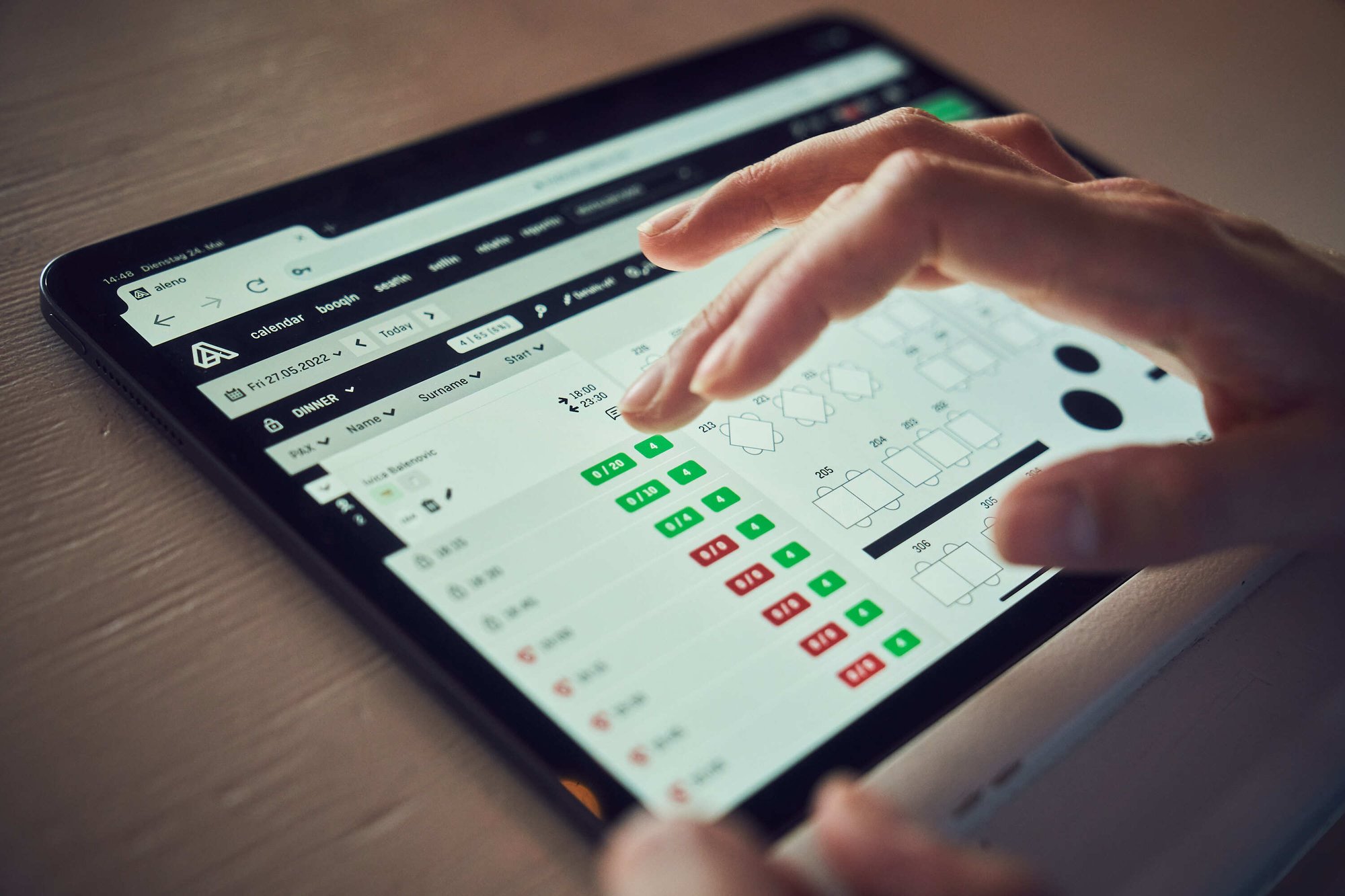
aleno is the digital assistant for hospitality and food service that intelligently connects reservations, guest data, and operational processes. The tool comes from Switzerland and is built by hospitality professionals who know daily restaurant operations first-hand. The digital assistant combines a smart reservation system for online bookings across all channels (including phone) with table and revenue management in one. aleno helps you engage guests in a targeted way, automate workflows, and increase F&B revenue.
Benefits:
-
Integration of real-time data to optimize service and revenue
-
Can also be used in combination with property management systems (PMS)
-
AI-powered table management and automation of workflows
Selected features:
-
Online reservations via website, social media, and Google
-
Automated confirmations and reminders
-
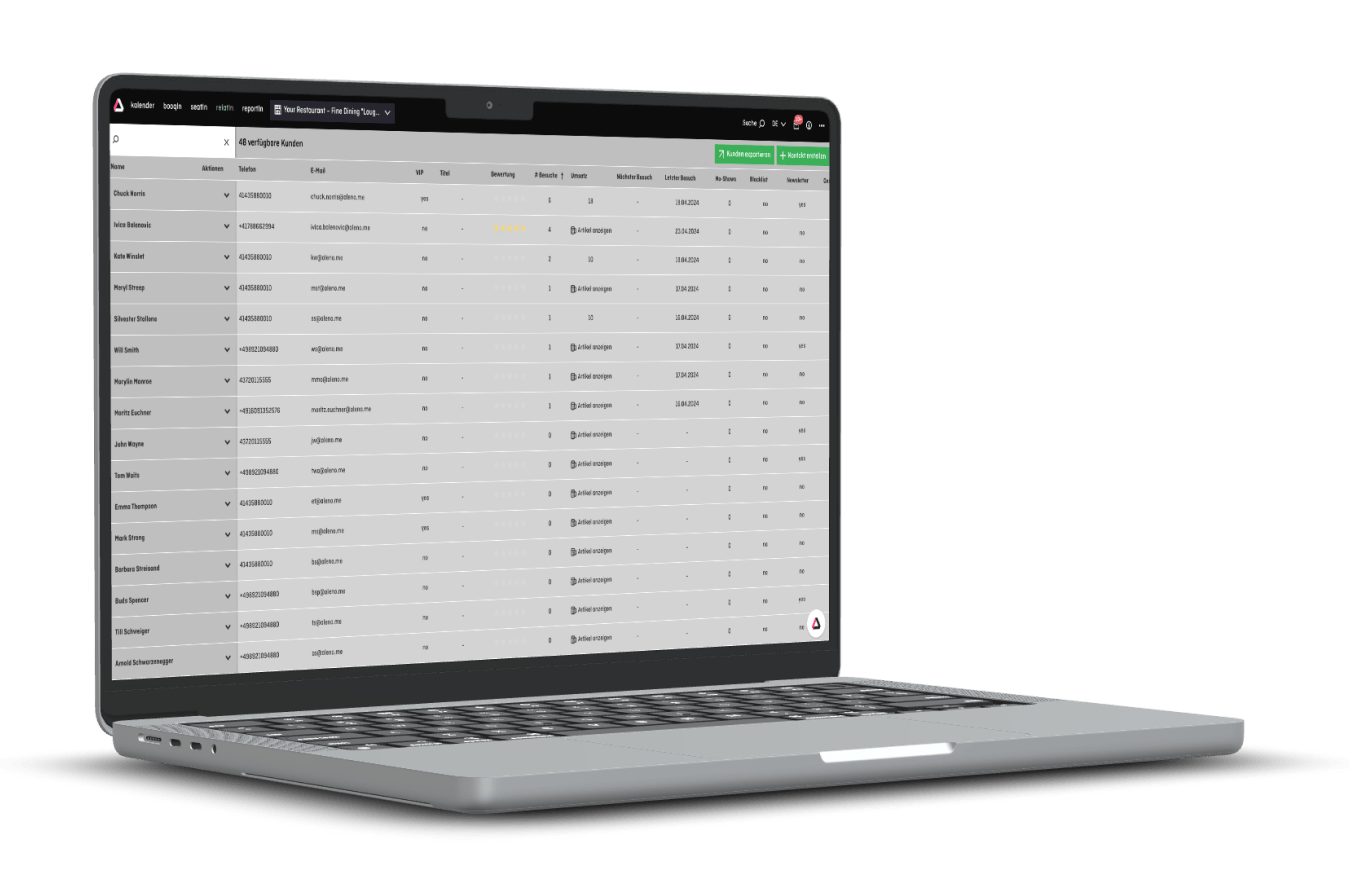
Guest management with 360° profiles
-
Integrations with PMS and POS systems
-
Visual and AI-powered table and floor planning
-
Cross-system analytics and reporting dashboards
Pricing:
aleno does not offer fixed packages or standardized pricing tiers. Instead, aleno creates a tailored offer for each hotel or restaurant based on actual needs. This way, you only pay for the features you truly need, without hidden add-on costs. Pricing is fair and transparent, and ROI often becomes visible after a short time.
#2 TheFork
TheFork is an international reservation system owned by TripAdvisor and used by more than 55,000 restaurants worldwide. With TheFork Manager, you manage all reservations in one place – whether online, by phone, or walk-in. The platform increases visibility through a large diner marketplace and helps reduce no-shows.
Benefits:
-
Presence on platforms like TripAdvisor and Google Maps increases online visibility
-
TheFork lets you collect and manage guest reviews
-
With TheFork PAY, guests can pay directly at the table
Selected features:
-
Centralized management of all reservation sources
-
Online reservations via your own website & TheFork
-
Automated reminders to reduce no-shows
-
Integration of TheFork PAY (pay at the table)
-
Guest feedback and review management
-
Connection with Google Maps and social media
Pricing:
TheFork offers three clearly defined plans: VISIBILITY for €29 per month, PERFORMANCE for €99, and ENTERPRISE for €149 per month. Higher tiers include additional features such as credit card guarantees, occupancy forecasting, or email campaigns. IMPORTANT: Reservations coming in via TheFork or connected platforms like TripAdvisor may incur additional fees depending on the restaurant’s price level. Reservations via your own website, Google, or social media are free of charge. A one-time setup fee of €300 to €400 also applies.
#3 Quandoo
Quandoo is a reservation tool headquartered in Germany and active in more than 11 countries. Over 16,000 restaurants use the platform to be bookable online, including via Google Maps. With fixed monthly fees and a large network, you can reach more guests and manage occupancy more effectively.
Benefits:
-
Increased online visibility through listings on the Quandoo platform and partner networks
-
Restaurants can be made bookable directly via Google Maps
-
Personalized offers increase guest satisfaction and loyalty
Selected features:
-
Reservations via website, app & Google Maps
-
Table plan and real-time capacity control
-
Automated guest communication via email/SMS
-
Integration with existing POS systems
-
Reporting on occupancy and reservation history
-
Interfaces to online marketplaces & partners
Pricing:
Quandoo offers two plans: Pro for €29 per month and Premium for €59. There is also a one-time setup fee: €249 for Pro and €799 for Premium. IMPORTANT: Reservations via the Quandoo network incur a fee of €3.50 per guest, while reservations via Google, the reservation calendar, or social media integrations are free of charge. Both plans include centralized management, a table plan, and real-time notifications.
#4 ZenchefOS (formerly Formitable)
Formitable is now part of ZenchefOS, a platform from France that combines reservations, guest communication, and occupancy management in one system. You benefit from a customizable table plan, automated messages, and a guest app available across Europe.
Benefits:
-
Features such as waitlists and flexible table plans
-
Reservations directly via platforms like Instagram and Google
-
Enables collecting and using guest data for personalized marketing campaigns
Selected features:
-
Visual table and floor planning
-
Automated messages (confirmations, reviews)
-
Reservations via Instagram, Facebook & Google
-
Multi-location management with centralized access
-
Integration with payment, POS, and cashier systems
-
Expandable guest app for direct bookings
Pricing:
ZenchefOS offers three subscription models: Reserve, Manage, and Grow. The entry-level plan Reserve focuses on commission-free online reservations via Google, website, and app. Manage expands the package with tools for table management and guest communication. Grow adds additional features such as CRM, email campaigns, and multi-venue management. Prices are not publicly disclosed.
#5 Resmio
resmio is an online reservation system for restaurants developed in Germany and used by more than 10,000 businesses. It lets you accept table bookings via your website, Google, and other platforms – without commission. resmio reduces your team’s workload, automates reservations, and gives you full control over your guest data.
Benefits:
-
Restaurants can sell gift vouchers online via resmio
-
Automates reservations and guest communication, reducing administrative effort
-
Reservations through integrations with Google and Facebook
Selected features:
-
24/7 online reservations via website & Google
-
Digital table occupancy & reservation overview
-
Automated confirmations & reminders
-
Digital menu incl. pre-order feature
-
Free, SEO-optimized restaurant website
-
Integrated feedback tool & guest newsletter
Pricing:
resmio offers three plans: BASIC (free), PREMIUM (€69.90/month), and ULTIMATE (€129.90/month). The free BASIC plan already includes core features like digital reservations and a simple website. PREMIUM adds table planning, a waitlist, and guest reviews. ULTIMATE includes all add-ons such as an iPad app, marketing tools, staff scheduling, or deposits/prepayments.
#6 Gastronovi
Gastronovi is a cloud-based all-in-one tool from Germany for hospitality businesses of any size. The platform combines POS, reservations, inventory management, and marketing in one system. You manage your entire operation through a single login – from table bookings to your menu.
Benefits:
-
POS, reservation tool, and inventory management in one
-
With Gastronovi Pay, guests can pay quickly and securely
-
Choose and combine software modules thanks to a modular setup
Selected features:
-
All-in-one system with reservations, POS & inventory management
-
Online reservations with real-time table availability checks
-
Digital menu & self-ordering feature
-
Connection to Google, payment & POS systems
-
Marketing modules: newsletters, vouchers, events
-
Central user interface for all modules
Pricing:
Gastronovi uses a modular pricing model. Instead of fixed packages, you pay only for the modules you actually use. Prices vary by area: the POS system costs €59 per month, table reservations €89, inventory management €129, and additional modules such as time tracking, newsletters, or website start at €19 per month. Modules can be combined freely, and most prices apply per business.
How to find the right OpenTable alternative
Not every system fits every business. When looking for an OpenTable alternative, it depends on which processes you want to digitize and how much control you need over your guest data. Some tools focus on visibility within large networks, while others give you maximum ownership of data and processes.
First, think about what you want to achieve. Do you mainly want to attract new guests or deepen relationships with existing ones? Are you running with a small team and looking for relief through automation? Or do you need a system that integrates smoothly with your existing POS setup?
Another key factor is the pricing structure. Some providers work with fixed monthly fees, while others charge commissions per reservation. Which is best for you depends heavily on your reservation volume and business model.
Questions to guide your choice
-
Do you want to manage guest data yourself, or is network reach and visibility more important to you?
-
Which processes do you want to automate (e.g., table assignment, communication, occupancy management)?
-
How important are integrations with existing tools such as POS or guest management?
-
How much time can you allocate for implementation, and what support is available?
-
Do you prefer a monthly subscription, or is a commission-based model easier to forecast?
Is aleno the right OpenTable alternative for you?
If you’re looking for a system that truly takes pressure off you and your team while enabling better guest relationships, then a conversation with aleno is well worth it.
Request a no-obligation demo and see how aleno works in your business: digital, reliable, and tailored to your daily operations.